Attach. Detach. Come Back.
Detaching never kills a session. Your agents keep going while you go outside, allegedly.
A fast, old-school tmux and SSH client for iPhone and iPad. SSH into your own server, attach to real tmux sessions, and see what Claude Code, Codex and Hermes are up to while you're away from the desk.
[ iPhone ] [ iPad ] [ tmux 3.0+ ] Needs tmux on your server. That's the whole point.
RETRO TMUX is a tmux client for iPhone and iPad. It connects to your own server over SSH, attaches to your real tmux sessions, and shows whether AI coding agents like Claude Code, Codex and Hermes are working, done, or waiting for you. Your sessions keep running on the server when you close the app.
RETRO TMUX is for people who barely sleep, have strong opinions about monospace fonts, and somehow feel more at home in a terminal than in actual sunlight.
A fast, old-school TMUX client wrapped in glorious retro hacker aesthetics — because managing servers from your phone shouldn't feel like doing your taxes.
SSH in. Split panes. Break things remotely. Fix them before anyone notices.
No glossy corporate nonsense. No productivity buzzwords. Just terminals, sessions, blinking cursors, questionable sleep schedules, and the comforting feeling that somewhere, something is compiling.
Built for developers, sysadmins, terminal addicts, homelab goblins, and anyone who has ever said:
“I’ll just SSH in for five minutes.”
Three hours ago.
// Made for AI agents //
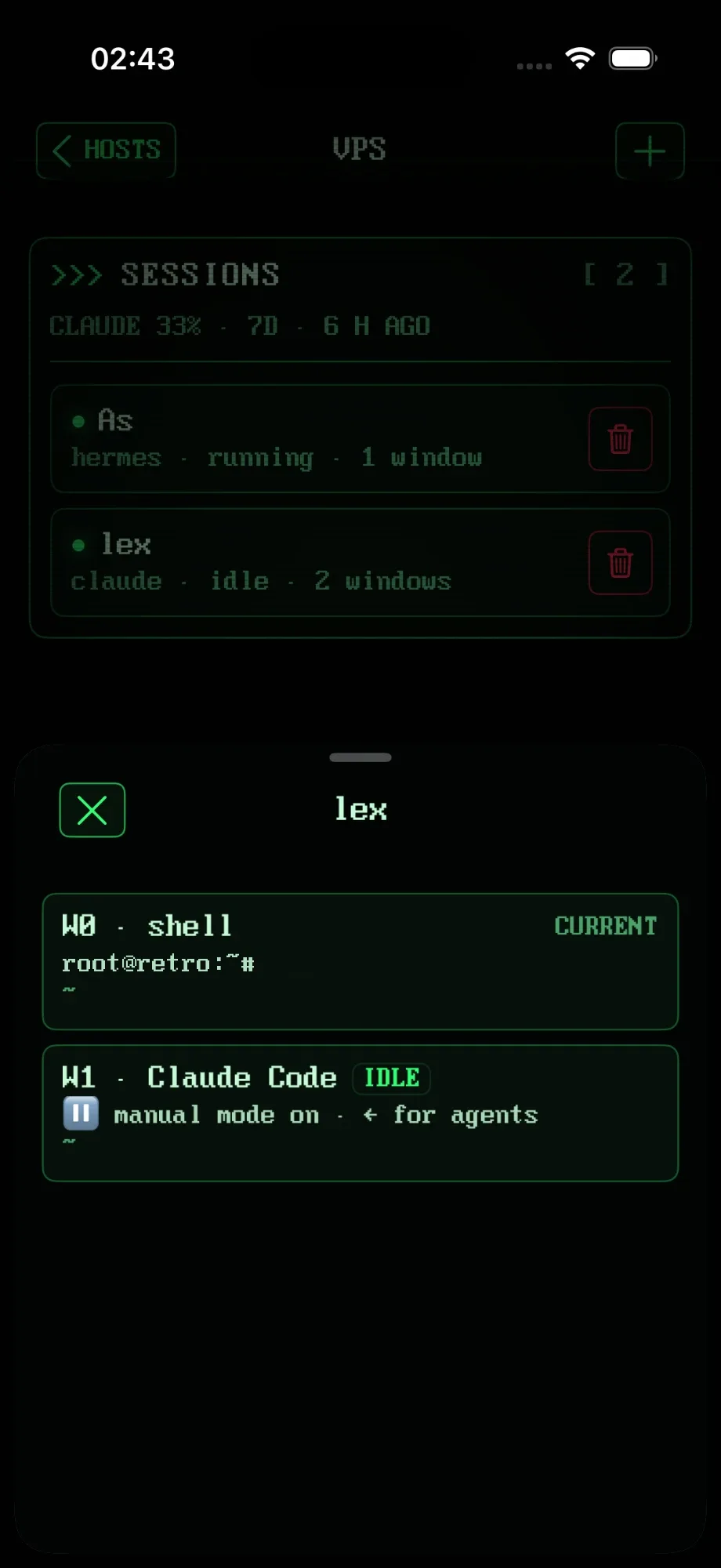
Run Claude Code or Codex on your server, check on it from your iPhone. RETRO TMUX spots Claude Code, Codex and Hermes in your tmux sessions and tells you what they're doing. So you can stop attaching to every session like a nervous parent checking on a sleeping baby.
// tmux, done properly //
RETRO TMUX is a real tmux client, not a plain SSH terminal. With plain SSH, your work only lives as long as the connection: close the laptop or lose signal and whatever was running dies. With tmux, your sessions live on your server. Close the app, lose signal, drop your phone down the stairs: nothing gets killed. Come back from any device and everything is where you left it.
Detaching never kills a session. Your agents keep going while you go outside, allegedly.
The app attaches through its own view session, then puts window sizes, mouse settings and layout back when it leaves. Your desktop tmux stays untouched.
tmux control mode delivers every line once, in order, including what happened before you attached. No gaps, no duplicates, no vibes.
New window, switch window, split, close split, show all panes. On iPad, panes sit side by side exactly like tmux lays them out. Double-tap to zoom.
The app probes your server's tmux and falls back to a normal attach when control mode isn't there. Still tmux. Never a bare shell.
Jump between sessions on the same server from inside the terminal, without going back to the list. Create and kill sessions from the phone, too.
// A real terminal //
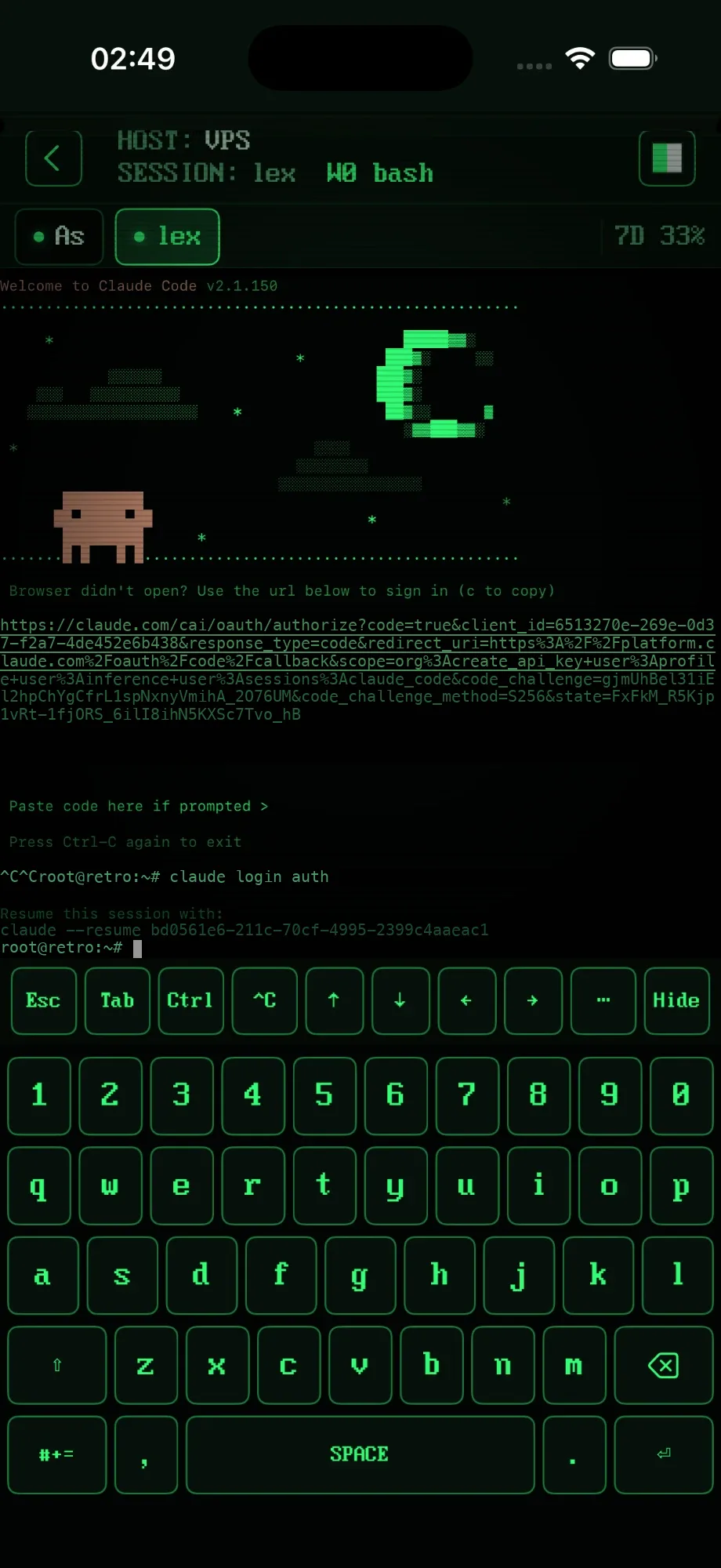
Phone keyboards were built for texting your mum. This iOS SSH client and terminal for iPhone and iPad was built for ^C.
// iPhone + iPad //
Use tmux on iPhone and iPad from the same app (SSH on iPad, explained). Everything scales from the window it's in. Split View, Stage Manager, rotation. No fixed layouts, no letterboxing, no "iPad version coming soon".
// The look //
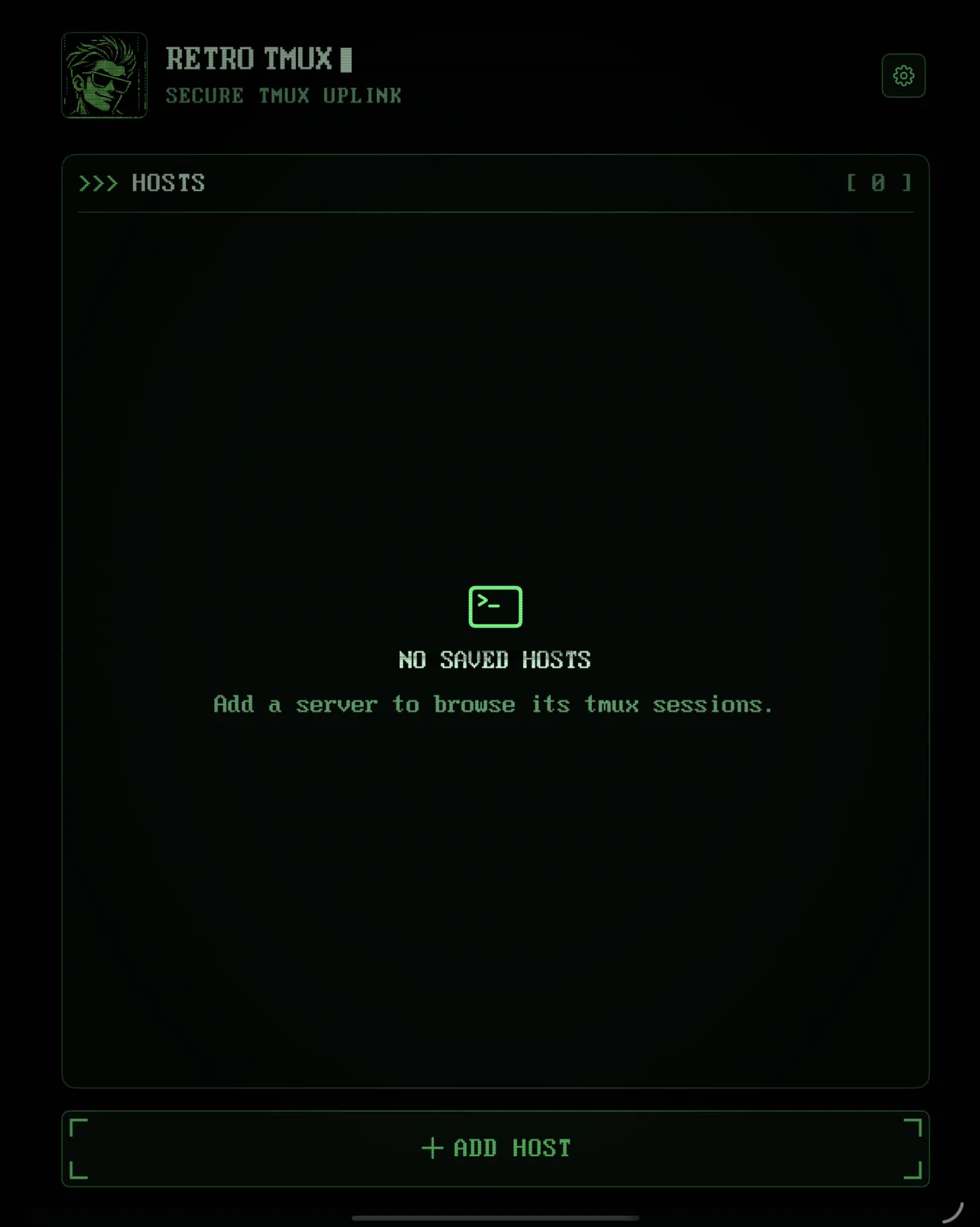
A retro CRT terminal for iOS: near-black screens, phosphor green, CRT scanlines, bracket-cornered buttons and a DOS font on every single screen. One design vocabulary, enforced by an automated audit, because we have problems.
// Secure by being boring //
The app talks to your server. That's it. No sign-up, no servers of ours in the middle, nothing to leak because we never had it.
// Reliability //
Every successful action shows you an outcome. Every failure leaves you a way back.
Copy is never confused with Interrupt. Disconnect never kills a session.
Tested live against four tmux versions on a real server, on every build.
Light on the battery: the session list refreshes every 5 seconds only while an agent is active, every 20 otherwise.
// Roadmap //
Things we're building or planning. Not shipped yet, so we're not pretending otherwise.
Not planned for v1: port forwarding, SFTP, a Mac build.
// FAQ //
Yes, that's the whole point. RETRO TMUX connects to your server over SSH and attaches to its real tmux sessions, so you get your sessions, windows and panes on iPhone and iPad. On iPad, panes sit side by side exactly like tmux lays them out.
Run Claude Code (or Codex) inside tmux on your server, then attach from RETRO TMUX. You see whether it's working, needs you, done or idle, Claude usage included, and you can type to it with a keyboard that has a real Ctrl and Esc.
If you live in tmux, yes: keys stay in the Keychain, panes sit side by side, and there's a full desktop keyboard layout with Esc, Tab, Ctrl and F1–F12. If you want a plain SSH shell without tmux, it's not for you (yet).
Yes. tmux 3.0 or newer. RETRO TMUX is a tmux client, not a general SSH terminal: no tmux, no sessions. That's the whole point.
Not today. A plain shell for servers without tmux is under consideration, but not decided.
Into the iPhone Keychain, and nowhere else. There's no account and no cloud of ours. The app talks to your server only.
No. It attaches through its own view session and restores window sizes, mouse settings and layout when it leaves.
Claude Code, Codex and Hermes. It shows whether each one is working, needs you, is done or is idle, plus Claude usage as a percentage. Codex and Hermes usage at the same depth is on the roadmap.
Small, reversible hook scripts that report agent state. Turn it off and they're gone. When no agent is detected, nothing is shown.
It's built to: the on-screen keyboard steps aside and the key row stays. We haven't verified it with a physical keyboard yet, so tell us if it misbehaves.
3.0a through 3.7c. We test 3.0a, 3.2a, 3.4 and 3.7c live on a real server on every build.
>>> READY WHEN YOU ARE
Join the beta. We'll let you know when there's a build to break.
+ JOIN THE BETA