A Full Desktop Keyboard
Wider screen, more keys, not bigger keys: number row, Esc, Tab, Ctrl, Alt, arrows and F1–F12 on the retro keyboard.
Yes, you can SSH from an iPad, and do it properly. RETRO TMUX connects to your server, attaches to real tmux sessions and lays the panes out side by side, exactly like tmux does. Your work keeps running on the server when the iPad sleeps.
// Split panes //
Most iPad terminals give you one screen at a time. RETRO TMUX draws tmux's own layout: your agent in one pane, logs in the other, each scrolling on its own even with the keyboard up. Tap a pane to type in it, double-tap to zoom it, double-tap again to put it back.
// Why tmux //
Switch to Safari for a minute and iPadOS suspends your SSH app, connection and all. With plain SSH, the server hangs up on your shell and whatever was running dies. With tmux, your work lives on the server: the iPad can sleep, switch apps or lose Wi-Fi, and you pick up exactly where you left off.
// Built for iPad //
A terminal app for iPad should use the iPad: the width, the keyboard, the multitasking.
Wider screen, more keys, not bigger keys: number row, Esc, Tab, Ctrl, Alt, arrows and F1–F12 on the retro keyboard.
Connect a Bluetooth or Smart Keyboard and the on-screen keyboard steps aside while the key row stays. (Not yet verified with every keyboard; tell us if yours misbehaves.)
Everything scales from the window it's in. Rotate, resize, run it next to Safari. No fixed layouts.
At least 80 columns and 24 rows, so full-screen programs like htop, vim and AI agents always get room to draw.
Generate an Ed25519 key on the iPad or import yours from Files, iCloud Drive or AirDrop. Nothing leaves the device.
The same app runs on iPhone and iPad, so the session you started on one is a tap away on the other.
// Setup · about 5 minutes //
You need a server or computer you can SSH into (a cloud VPS, a Raspberry Pi, a Mac with Remote Login on) with tmux 3.0 or newer.
Most Linux servers install it in one command. Then start a named session for your work.
$ sudo apt install tmux   # or: brew install tmux
$ tmux new -s work
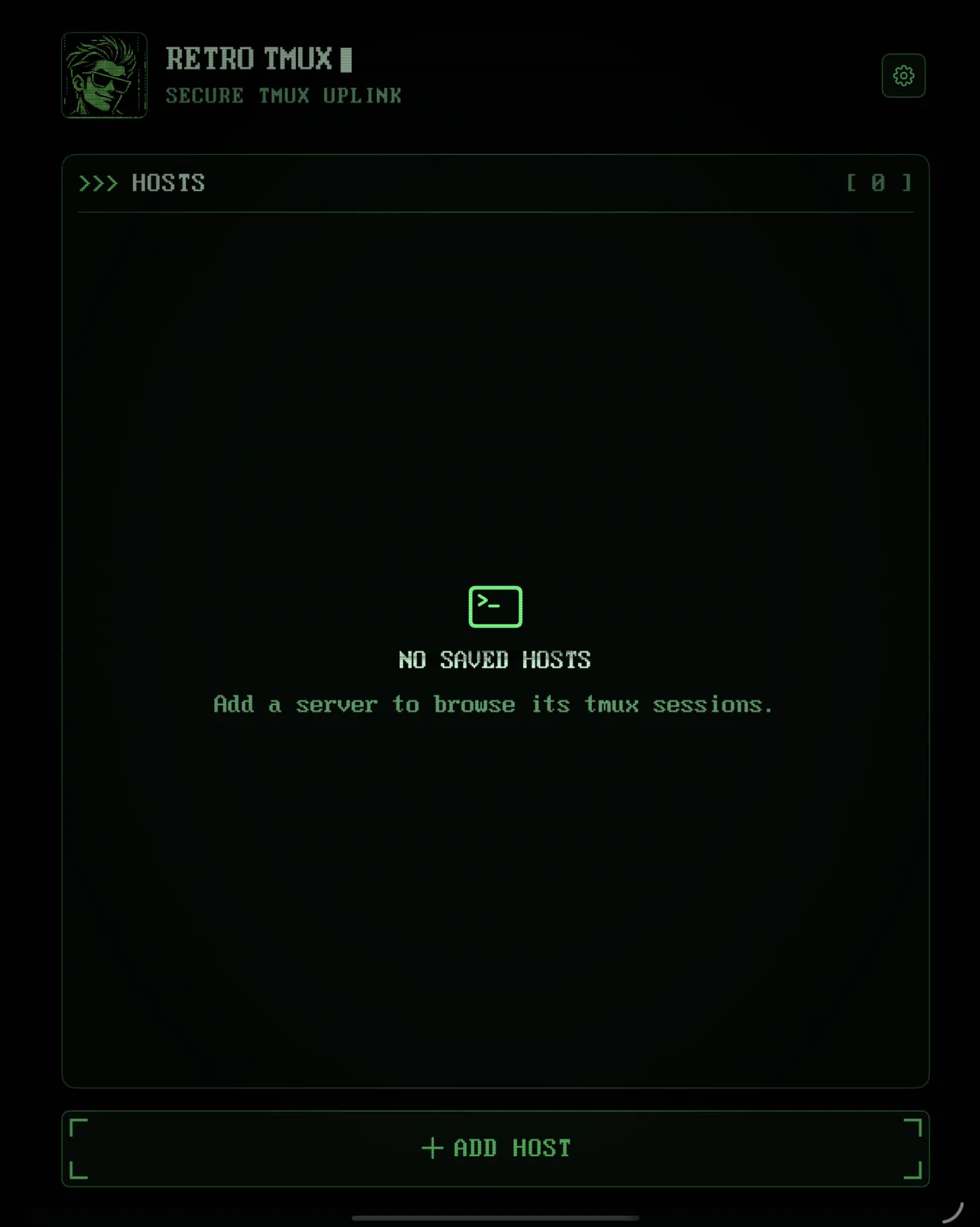
Tap + ADD HOST and enter the address. Generate an Ed25519 key on the iPad, install it with your password once, then use the key from then on. TEST SSH checks the key, the server and tmux before you save.
Tap your session. If it has split panes, they appear side by side exactly as tmux lays them out. Tap a pane to type in it; double-tap to zoom.
Switch apps, close the cover, go home. Detaching never kills the session. Pick it up later from the iPad, your iPhone or your laptop.
# later, from any computer:
$ tmux attach -t work
// Choosing an iPad SSH app //
There are several good SSH apps for iPad. If you work in tmux, these are the things that matter, and how RETRO TMUX handles each.
| What to check | Why it matters | RETRO TMUX |
|---|---|---|
| Real tmux integration | Sessions, windows and panes as tmux sees them, not just a shell that happens to run tmux | Yes, through tmux control mode, with an ordinary attach as fallback |
| Panes side by side | Use the iPad's width instead of one pane at a time | Yes, laid out exactly like tmux |
| A keyboard with Ctrl and Esc | Terminal programs are unusable without them | Always-visible key row, sticky Ctrl, F1–F12 |
| Where your keys live | An SSH key is a key to your server | iPhone/iPad Keychain only. No account, no cloud |
| Leaves your desktop alone | Attaching from the iPad shouldn't reshape your laptop's tmux | Uses its own view and restores sizes on exit |
| AI agent awareness | Know if Claude Code or Codex is working or waiting, without attaching | Working / needs you / done / idle |
Want a plain SSH shell on a server without tmux? RETRO TMUX isn't that app (yet). Running AI agents? Here's how to use Claude Code on your iPhone.
// FAQ //
Yes. iPadOS has no built-in terminal, but an SSH app like RETRO TMUX connects to your server with a password or an SSH key. RETRO TMUX then attaches to tmux on the server, so your work survives when the iPad sleeps.
iPadOS suspends apps in the background, and the network connection goes with them. With plain SSH, that ends the shell and whatever was running in it. Inside tmux, the work keeps running on the server and you just reattach.
It depends on how you work. If you live in tmux or run AI coding agents on a server, pick an app built for tmux: panes side by side, a real Ctrl and Esc, and sessions that survive the iPad sleeping. That's what RETRO TMUX is for. If you need a plain SSH shell without tmux, it isn't (yet).
It's built for it: with a Bluetooth or Smart Keyboard connected, the on-screen keyboard steps aside and the key row stays. We haven't verified it with every physical keyboard yet, so tell us if yours misbehaves.
Yes. Everything scales from the window it's in, so it works in Split View, Stage Manager and any rotation, with no fixed layouts.
Yes, tmux 3.0 or newer. RETRO TMUX is a tmux client, not a general SSH terminal. Installing tmux is one command on most servers, for example sudo apt install tmux.
>>> READY WHEN YOU ARE
RETRO TMUX is in beta. Join, and we'll tell you when there's a build to break.
+ JOIN THE BETA